TL;DR
"Virtual classroom" gets used loosely, sometimes for a live class, sometimes for a self-paced course with pre-recorded videos. The two aren't the same thing, and confusing them is why some teachers pick the wrong format for what they're actually trying to do.
A live virtual classroom means real-time, instructor-led teaching: students log in at a set time and interact directly with a teacher and each other.
Researchers Moon and Shin surveyed 795 undergraduates in a 2026 PLOS One study and found synchronous and asynchronous formats genuinely differ in student experience, not just scheduling convenience.
This guide covers what a live virtual classroom actually is, who uses one, and the basics of running one well.
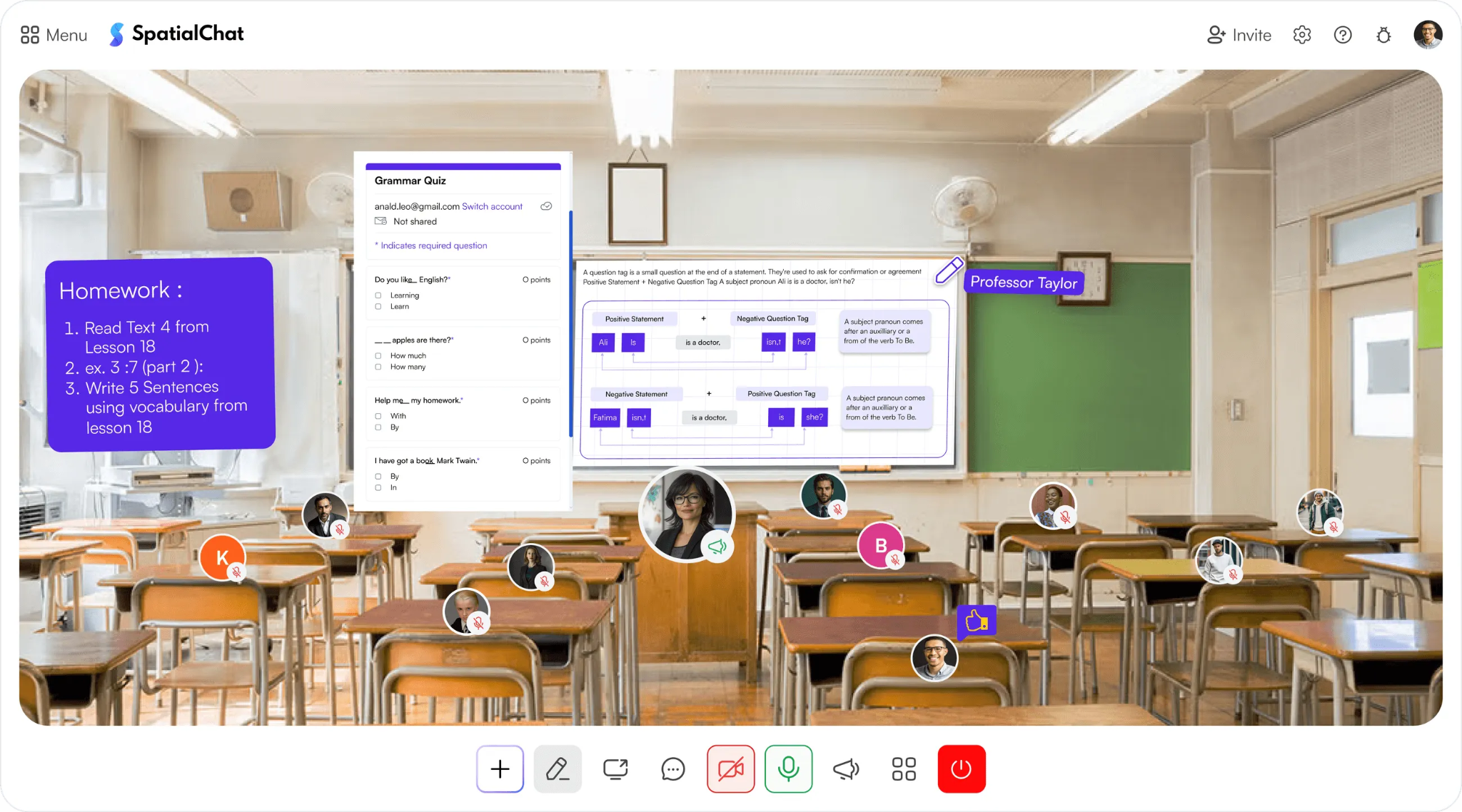
A live virtual classroom is a real-time, instructor-led session where students and teachers interact directly, through video, audio, chat, and shared tools like a whiteboard. Class happens at a set time, and everyone's present together, even though they're not in the same room.
That's different from the other two formats it often gets confused with:
A live virtual classroom sits between these two: it has the real-time presence of a webinar, but the two-way interaction, discussion, and group work of an actual class.
At a basic level, a live virtual classroom needs a handful of components working together:
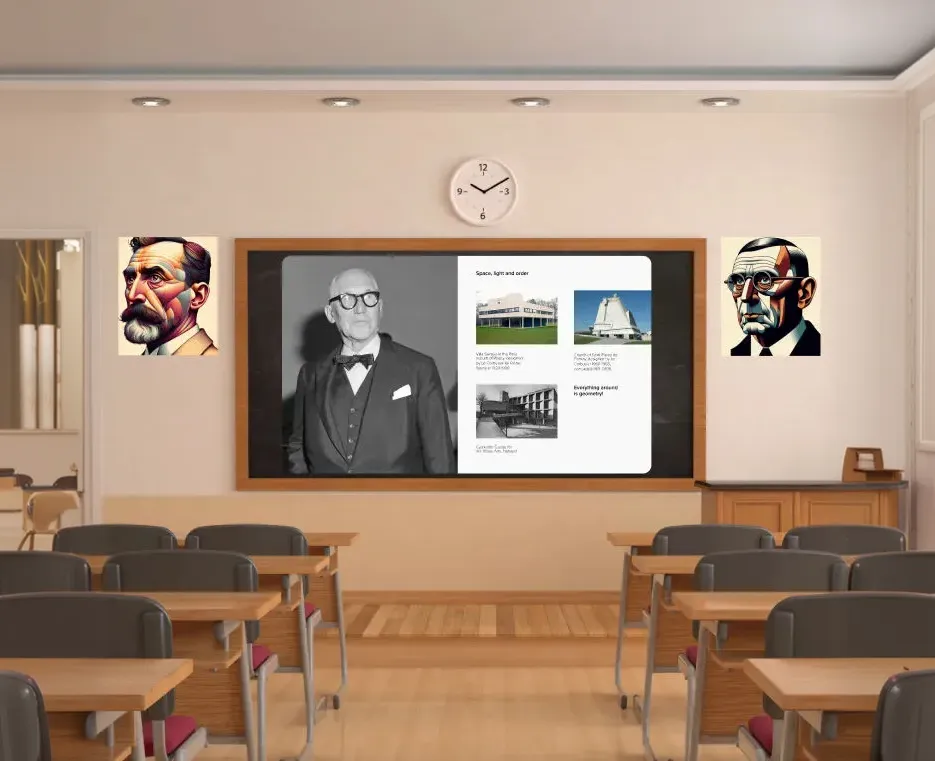
None of this requires expensive equipment. Most live virtual classrooms run on a laptop, a decent internet connection, and a platform built for teaching rather than generic video calls.
Live virtual classrooms show up across several different settings, each with slightly different needs:
The common thread is that all four need real-time interaction, not just content delivery. If content delivery alone were enough, a recorded video would do the job.
A one-off guest lecture or school-wide assembly starts to look more like a virtual event than a classroom, worth keeping in mind when picking a tool.
Live delivery isn't automatically better than asynchronous, but it solves specific problems asynchronous formats can't:
The tradeoff is flexibility. Asynchronous formats let students learn on their own schedule, which live classrooms fundamentally can't offer.
The basics of running a live virtual classroom well come down to a few habits:
This covers the basics. For a deeper breakdown of managing group sizes, handling disruptive behavior, and choosing the right tools, our guide to virtual classroom management strategies goes further into the tactics.
A few challenges come up repeatedly for teachers new to live virtual instruction:
None of these are unique to live teaching, but they show up faster online than they would in person. Setting up your first virtual classroom walks through the practical setup that helps avoid most of these from the start.
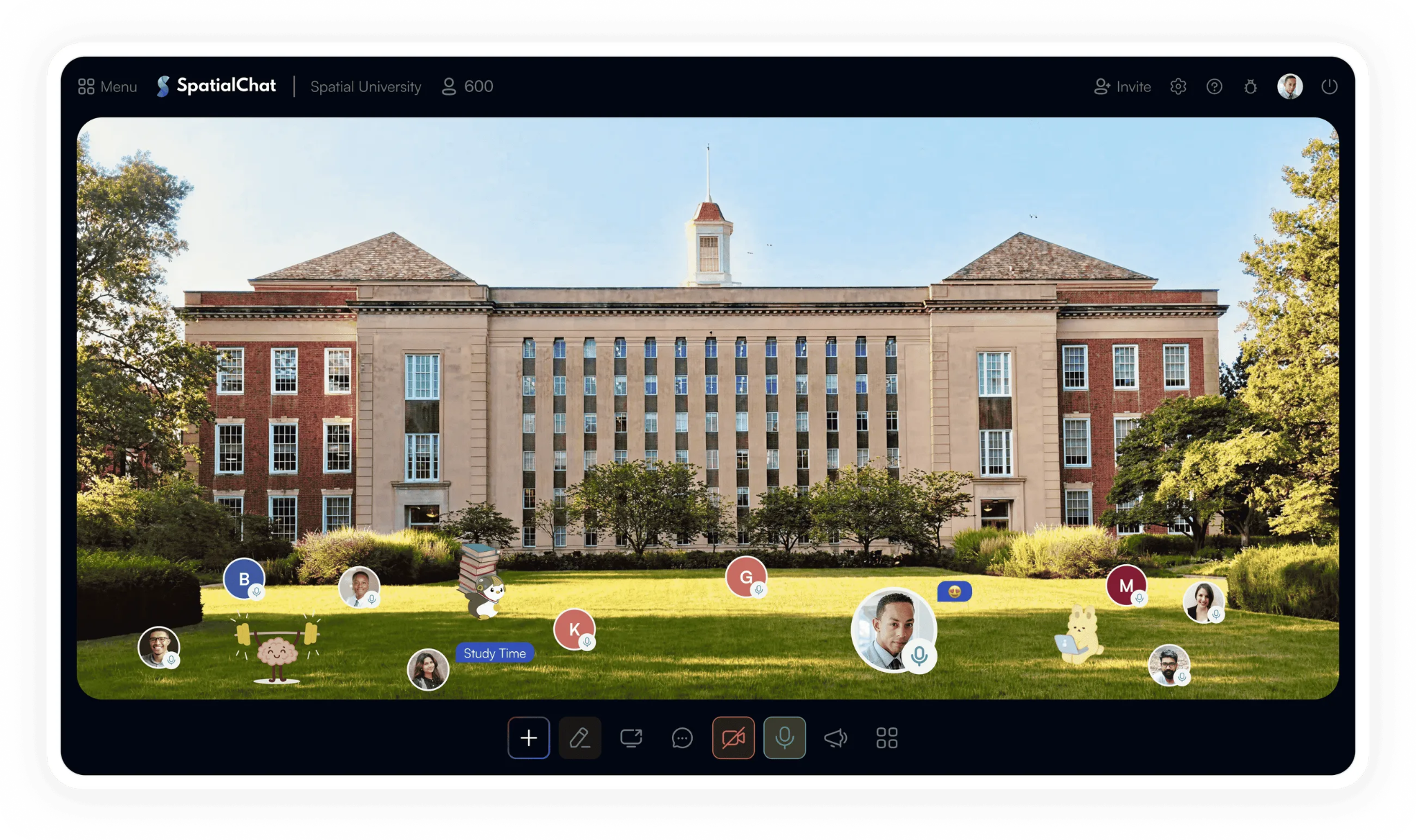
SpatialChat is built specifically for live, interactive teaching rather than static video calls. Students move between a main room and breakout areas, with proximity audio that lets small groups talk naturally without a formal breakout assignment.
For classes wanting more flexibility than a single format, following Purdue's approach to HyFlex shows how live, in-person, and asynchronous participation can coexist in one course.
Cleber Morais, a professor at the Federal University of Pernambuco, saw attendance and participation rise after switching to interactive tools; read the full story for details.
Try SpatialChat's online classroom platform free to see how a live virtual classroom feels when it's built for teaching.
For the fuller picture, see our complete guide to virtual classroom best practices and SpatialChat's pricing.
A live virtual classroom is a specific format, real-time and instructor-led, not a catch-all term for any kind of online learning.
Knowing the difference matters before you pick a platform or plan a lesson, since a webinar tool and an asynchronous course platform solve different problems entirely.
Start with the basics covered here, and build from there once live classes become a regular part of how you teach.
A webinar is a one-way broadcast where a presenter talks and the audience mostly watches, with limited interaction. A live virtual classroom is two-way: students and teachers interact directly through discussion, breakout groups, and real-time feedback.
Yes, though sessions typically run shorter, often 20-30 minutes, with more frequent breaks and interactive elements. Younger students generally need more structure and adult supervision to stay engaged than older students do.
Yes, most platforms support recording, and it's common practice to record every live session. This gives absent students a way to catch up without losing the real-time benefits for everyone who attended live.
A video call is generic, built for any conversation. A live virtual classroom is purpose-built for teaching, with features like breakout rooms, attendance tracking, and embedded educational tools that a standard call doesn't need.
A laptop or desktop with a webcam, a stable internet connection, and a platform built for live teaching cover the basics. Additional equipment like a document camera or a second monitor helps but isn't required to get started.
It depends on the age group and subject, but 45-60 minutes works for most secondary and higher-education sessions, broken into shorter segments. Younger students typically need shorter sessions, closer to 20-30 minutes.
Yes, and many effective courses do exactly this, using live sessions for discussion and asynchronous materials for content delivery. This blended approach captures real-time engagement while giving students flexibility on the rest of the material.
Not exactly. Distance learning is a broader category that includes both synchronous (live) and asynchronous formats. A live virtual classroom is specifically the synchronous version of distance learning.
Treating it like an in-person lecture translated directly online, without adjusting for shorter attention spans and the lack of physical presence cues. Building in regular interaction points from the start prevents most engagement problems before they happen.
Yes, particularly for training that benefits from real-time Q&A and discussion rather than passive content consumption. Live sessions work especially well for onboarding, compliance training with complex scenarios, and skills practice.